Home / Field ticket software
Field ticket software
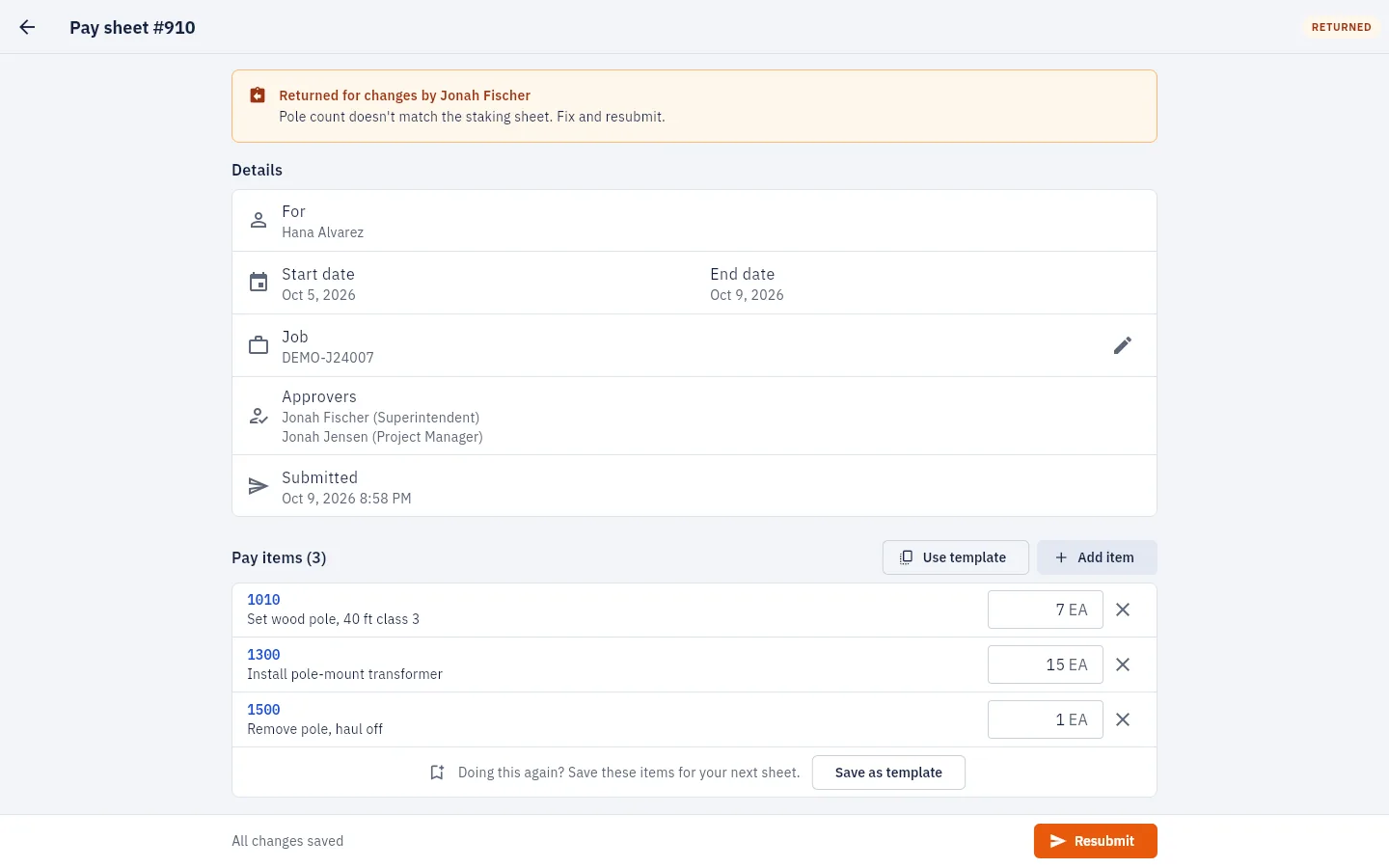
Your crews already fill out a field ticket, job ticket or daily log every day. PaySheet puts it on their phone, with the job's own pay items, photos and an approval step, and sends every approved ticket to billing on its own.
Why contractors switch
A ticket written in the truck has to be found, read, checked, signed and retyped before anyone can invoice it. Every step is a day the money isn't in.
| Paper or spreadsheet tickets | PaySheet | |
|---|---|---|
| Filling it in | Handwritten at the end of the day, items and codes from memory | Pick the job, tap items from that job's own price book, enter quantities |
| Proof of work | Photos in someone's camera roll, sent later if at all | Photos and PDFs attached to the ticket itself |
| Getting it approved | Find the foreman, find the ticket, wait for a signature | The job's approvers are notified the moment it's sent, and approve from a phone |
| Mistakes | Ticket goes back to the truck, or the office guesses | Send it back with a note, or a manager you allow fixes the line, with the change on record |
| Billing | Office retypes every line into the invoice | Every approved ticket emailed to billing and AP with a CSV, the same minute |
What's included
Each job offers only the items in its pay package, with sizes grouped in one pick. Import it from a spreadsheet.
Every submitted ticket gets the next number, with no gaps, so it can double as your invoice number.
Tickets save as you type. If signal drops, the ticket waits on the phone and sends itself later.
Each person picks their language. The ticket and the office see the same items either way.
Build a report by job, crew or item, download Excel, CSV or PDF, or have it emailed on a schedule.
Read approved tickets into your accounting system, or add new jobs from it.
A short walkthrough with your jobs and items in mind, and the price for your company size.